

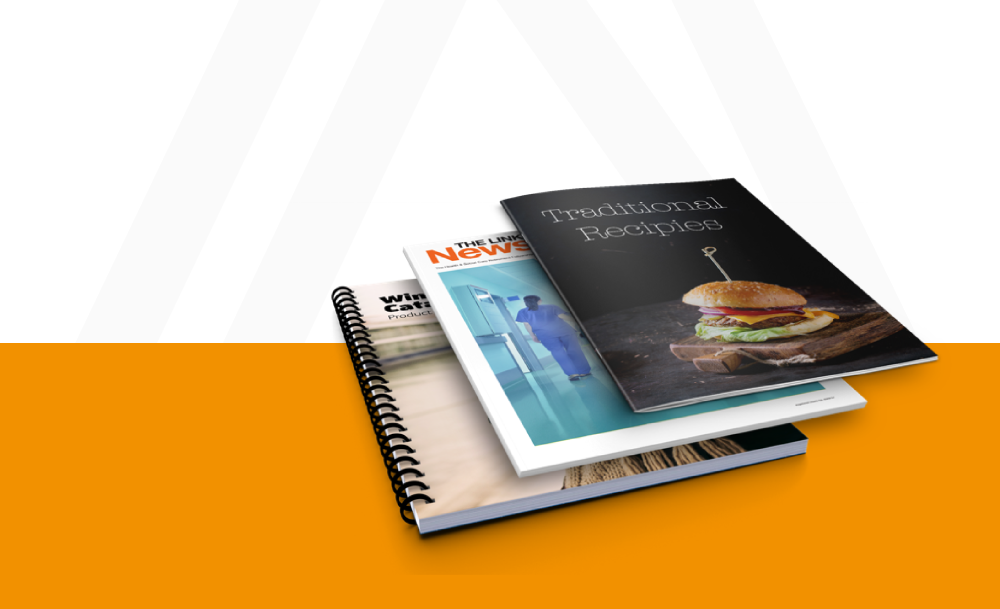

Adobe Indesign Pagination

Automate Large Catalogs & Marketing Collateral with Smart InDesign Pagination

Automate Large Catalogs & Marketing Collateral with Smart InDesign Pagination

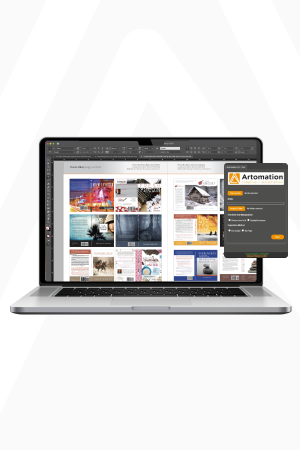
Stop spending days manually building pages. With Artomation’s InDesign pagination automation, you can generate hundreds of pages in minutes all from your structured data.

Your product information, images, and pricing flow directly into Adobe InDesign layouts with precision, consistency, and speed, no manual adjustments required.

Instead of redesigning files, your adobe indesign documents stay visually crafted while the content updates dynamically.

Meet Art…

You’re Adobe Artomation Assistant

The Challenge of Large-Scale Layouts

Producing large catalogs, price lists, or multi-version publications manually is a huge drain on time and resources.

Design teams spend hours inside Adobe InDesign software:

The more pages or variants, the slower and more error-prone the process becomes causing missed deadlines, frustrated teams, and costly revisions. Traditional workflows aren’t designed for Adobe InDesign automation, InDesign pagination, or high-volume InDesign templates, leaving teams stuck doing repetitive work that could be automated.

Manual data merge processes make scaling even harder slow updates, human errors, and wasted hours.

Traditional workflows were never built for modern data driven design.

Work with us

Traditional workflows were never built for modern data driven design.

The Solution

Artomation takes InDesign pagination to the next level. With Adobe InDesign plugins built for automation, your layouts update automatically without manual intervention.

From Data to Perfect Layouts

Instead of placing products, images, and pricing one by one, Artomation uses rules-based layout logic to automate InDesign data merge. Product information flows seamlessly into your Adobe InDesign templates, respecting grids, styling, and design rules.

Whether you’re working on catalogs, price lists, or multi-version publications, InDesign automation data merge ensures every page is precise, consistent, and ready for production, saving hours of repetitive work.

Design once. Update infinitely. With Artomation, Adobe InDesign works smarter, so your team can focus on creativity, not copy-paste tasks.
What Artomation Automates

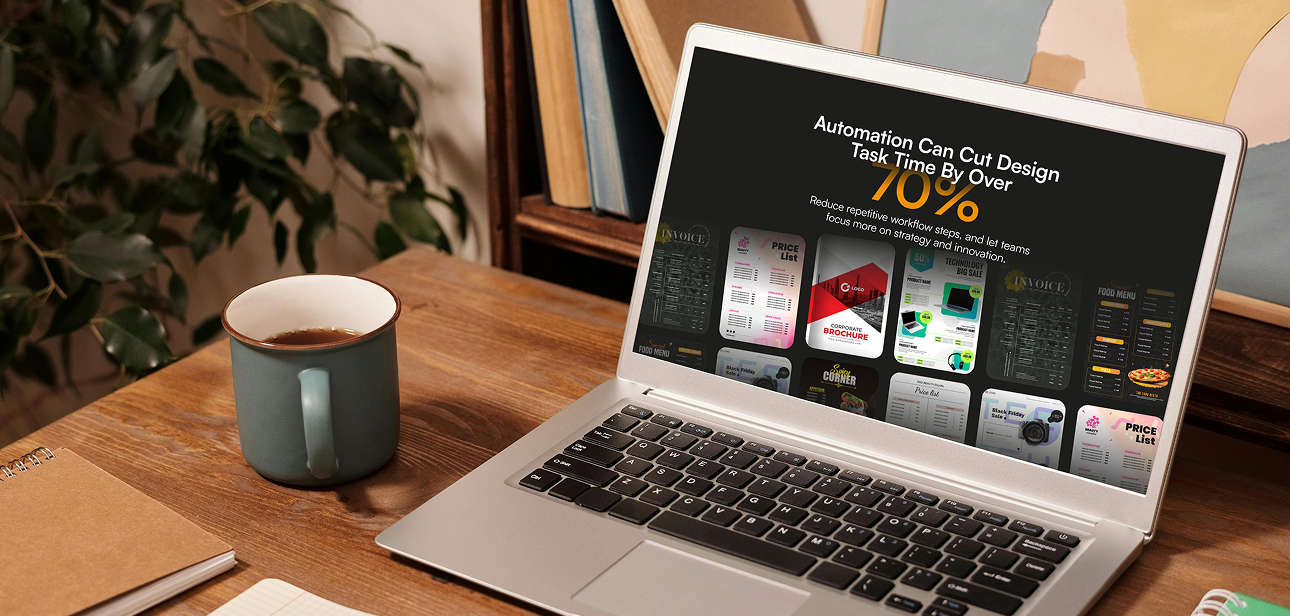
With InDesign pagination, Artomation takes care of all the repetitive layout work so your team can focus on design:

By automating these tasks, your team no longer wastes time on repetitive work, while maintaining precision, brand consistency, and fast delivery in every InDesign pagination

Perfect for Teams Who Publish at Scale

Artomation is designed for businesses that need fast, accurate, and consistent InDesign pagination for high-volume content. Ideal use cases include:

Whether your team handles hundreds or thousands of pages, Artomation ensures every layout is consistent, precise, and ready for production, saving time and eliminating repetitive manual work.

Artomation is designed for businesses that need fast, accurate, and consistent InDesign pagination for high-volume content. Ideal use cases include:

Whether your team handles hundreds or thousands of pages, Artomation ensures every layout is consistent, precise, and ready for production, saving time and eliminating repetitive manual work.

Why Teams Choose Artomation

With Artomation’s InDesign pagination automation, your team can:

Artomation lets your team focus on creativity while the heavy lifting of InDesign pagination happens automatically.

Ready to Automate Your Adobe Indesign Layouts?

Stop spending hours on repetitive InDesign tasks. Let Artomation handle pagination, data merges, and multi-version updates so your team can focus on design and creativity.

When do they work well, and when do they on us and finally, when do we actually need how can we avoid them.

Copyright © 2025 | Alrights reserved by Artomation

Have a project in your mind?

Have a project in your mind?

Copyright © 2025 | Alrights reserved by Artomation